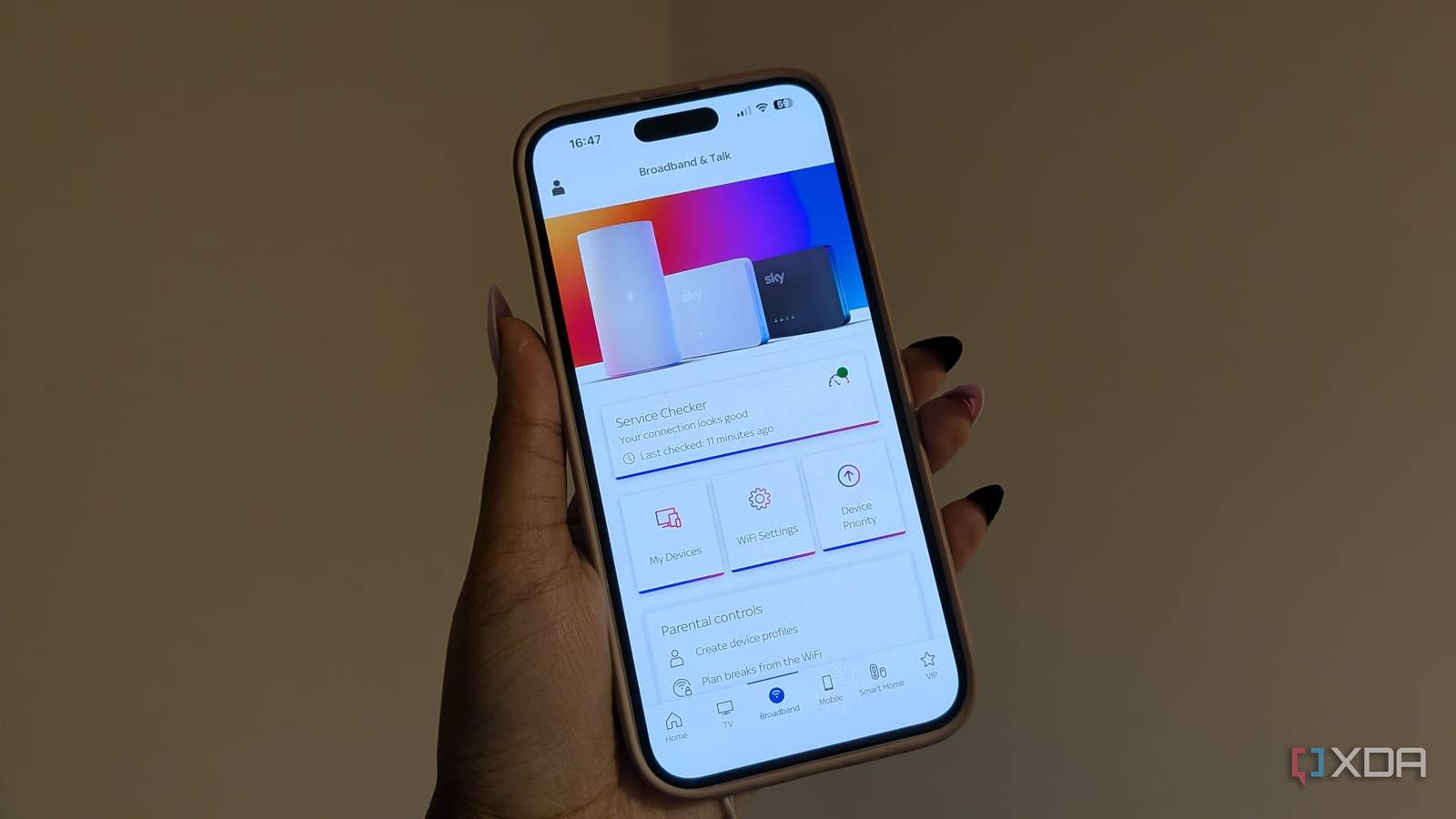
With a modern smart home it feels like every cheap smart bulb, Wi-Fi camera, robot vacuum, and thermostat you buy requires an app account, connects to your local Wi-Fi, and immediately starts whispering telemetry data back to distant cloud servers.On a standard consumer router every device sits on a single flat local network. Your high-end workstation, your personal NAS containing family photos, and a $10 untrusted Chinese smart plug all share the exact same subnet with zero internal isolation.
Luckily there's a fix. I decided to configure a dedicated virtual local area network (VLAN) and a few strict firewall rules to sever unauthorized internet access for my IoT gear while keeping local communications intact. Smart home convenience shouldn't require surrendering your digital privacy. By implementing a dedicated IoT VLAN and blocking unwanted egress at your firewall, you can stop untrusted devices from snooping while keeping your home automation stack running locally.
Why are IoT devices so chatty?
They rely on phoning home
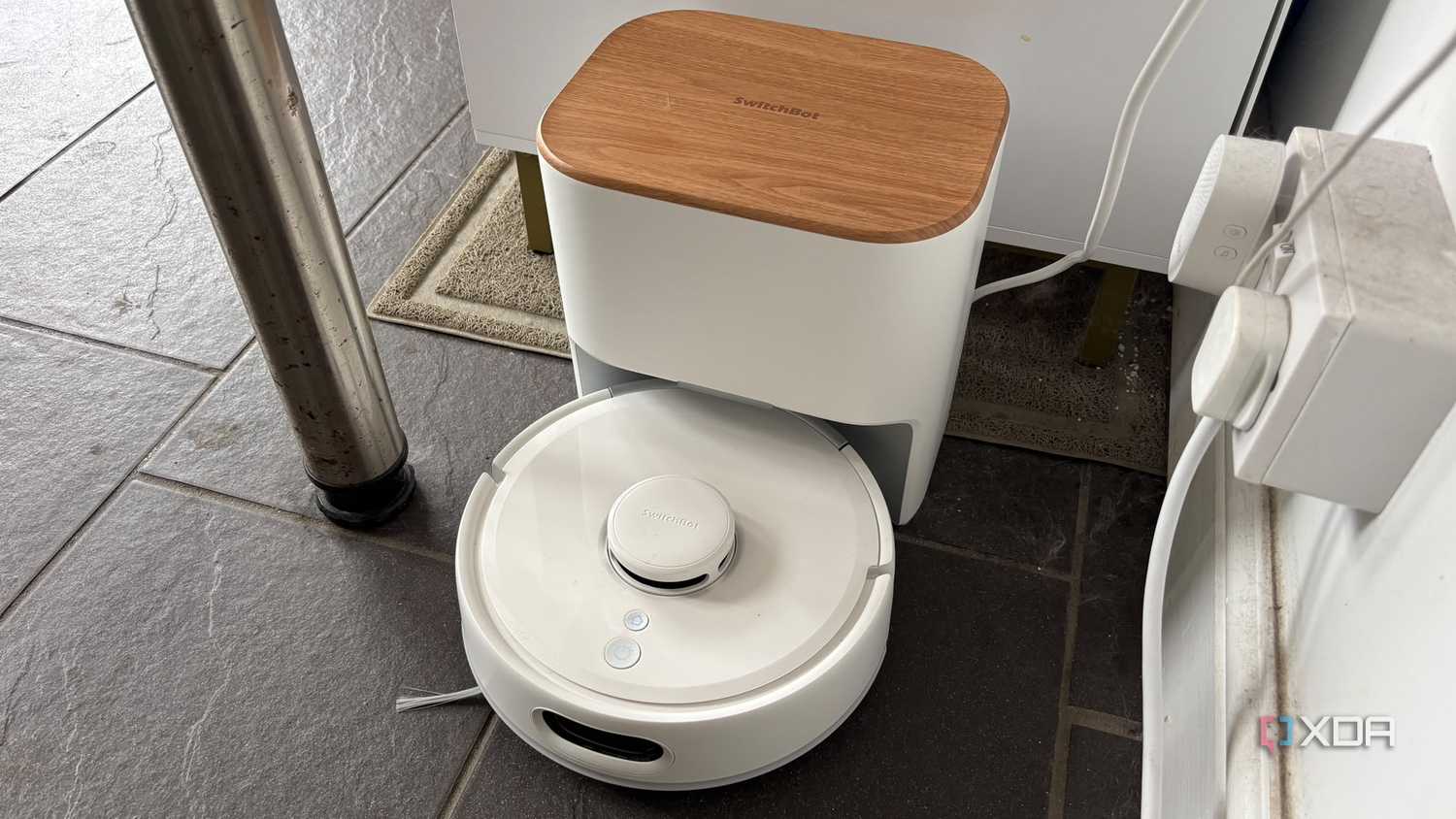
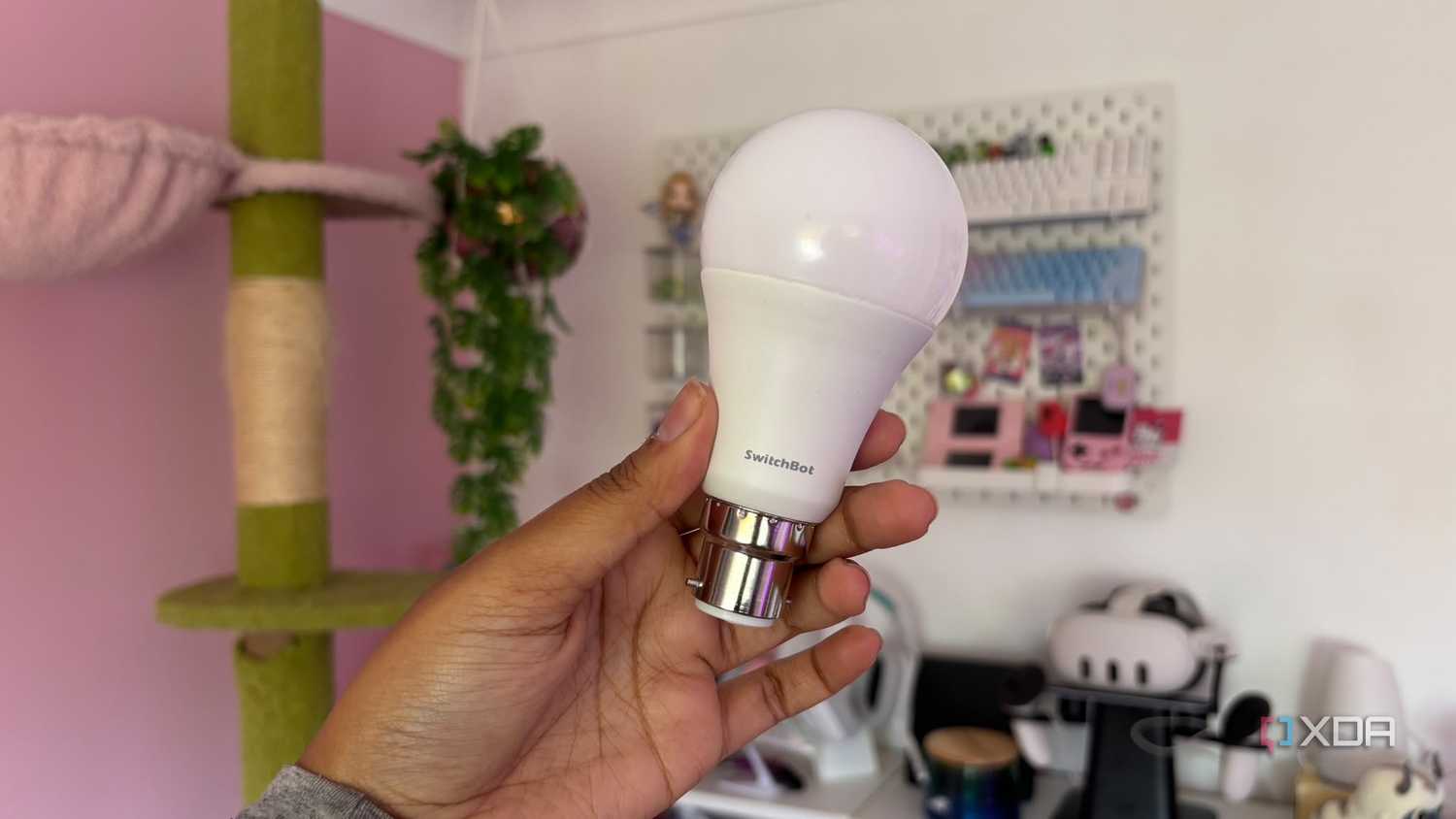

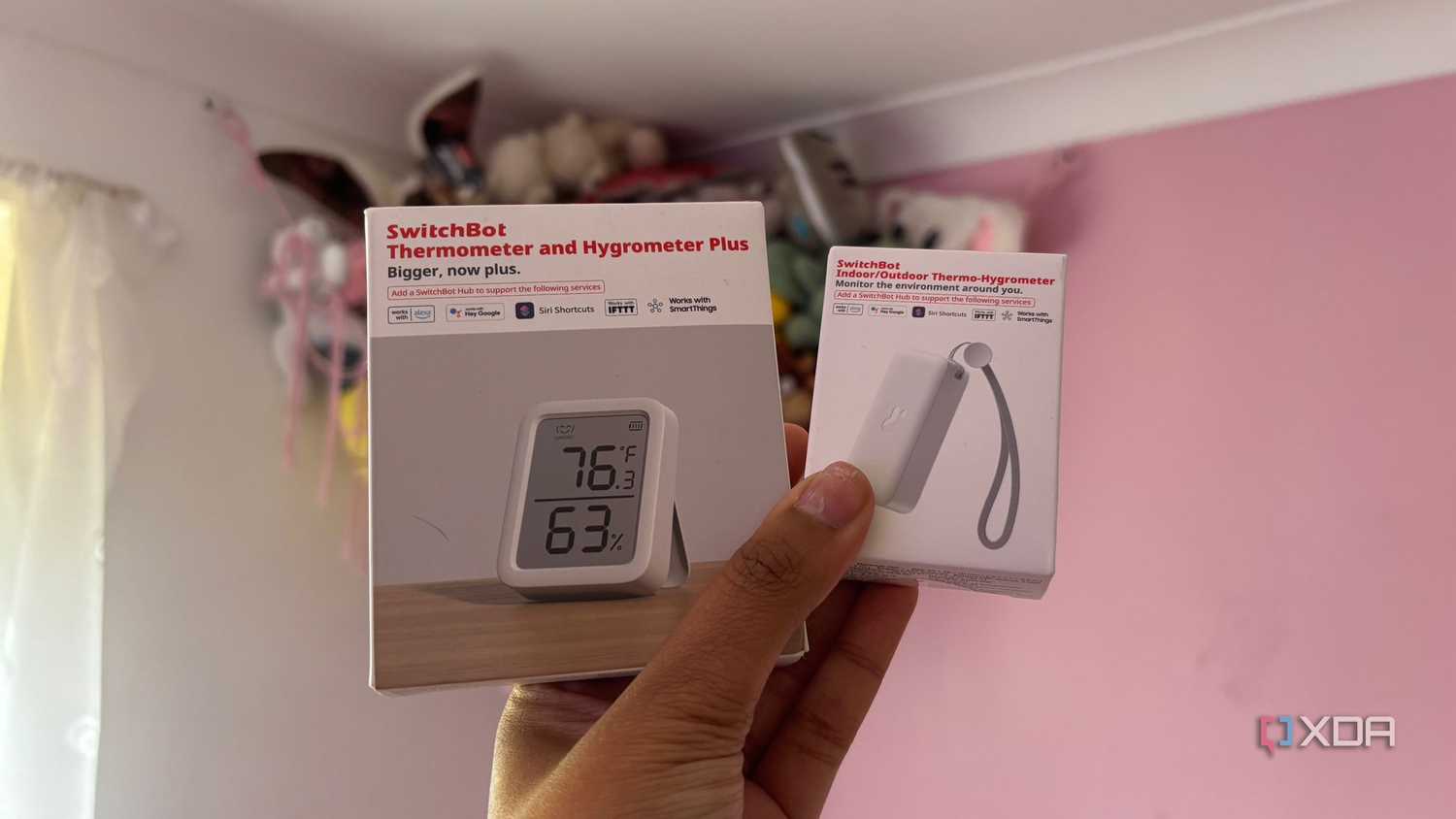


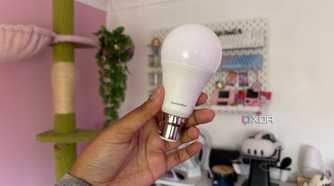

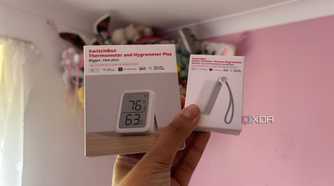

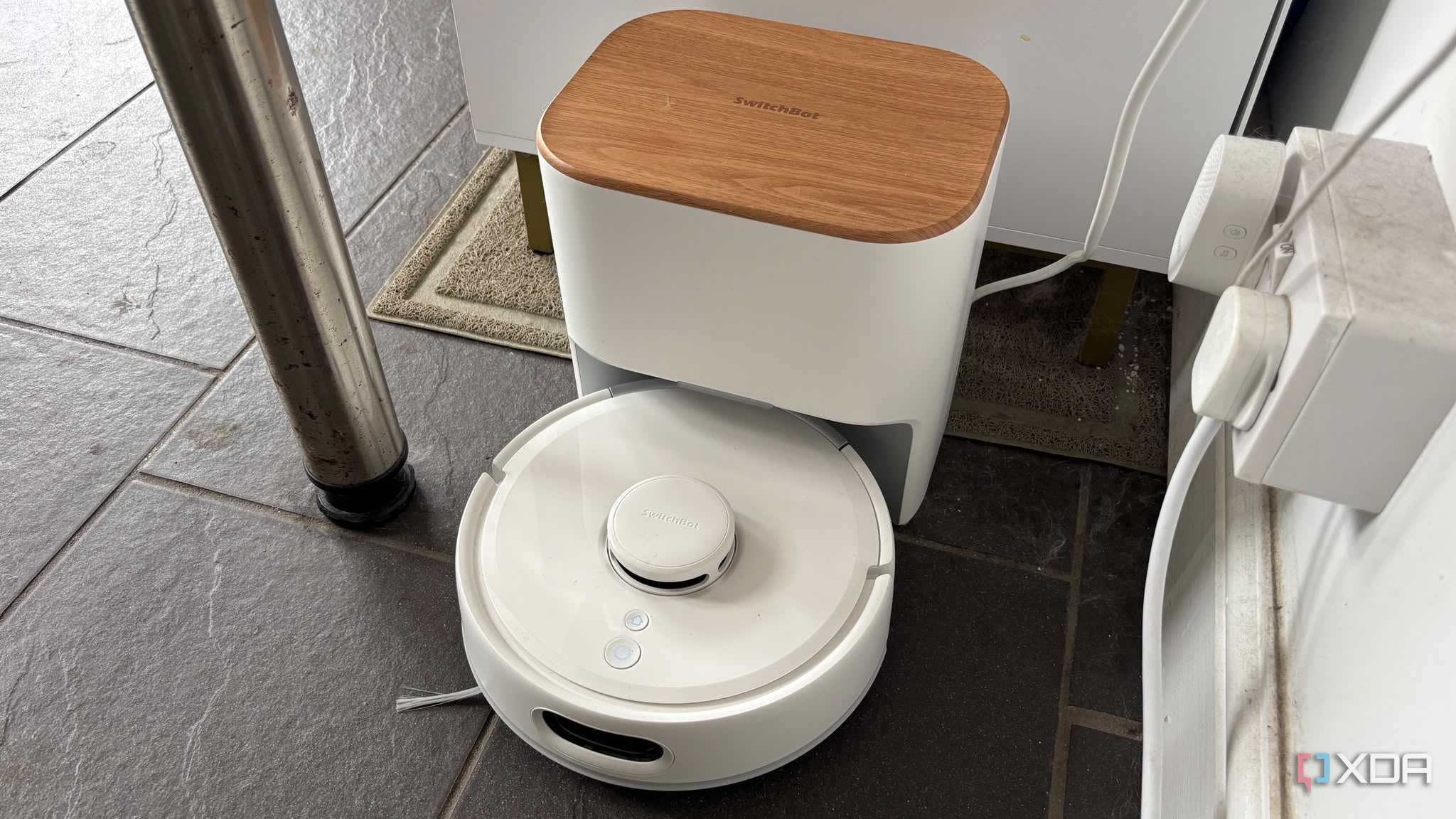
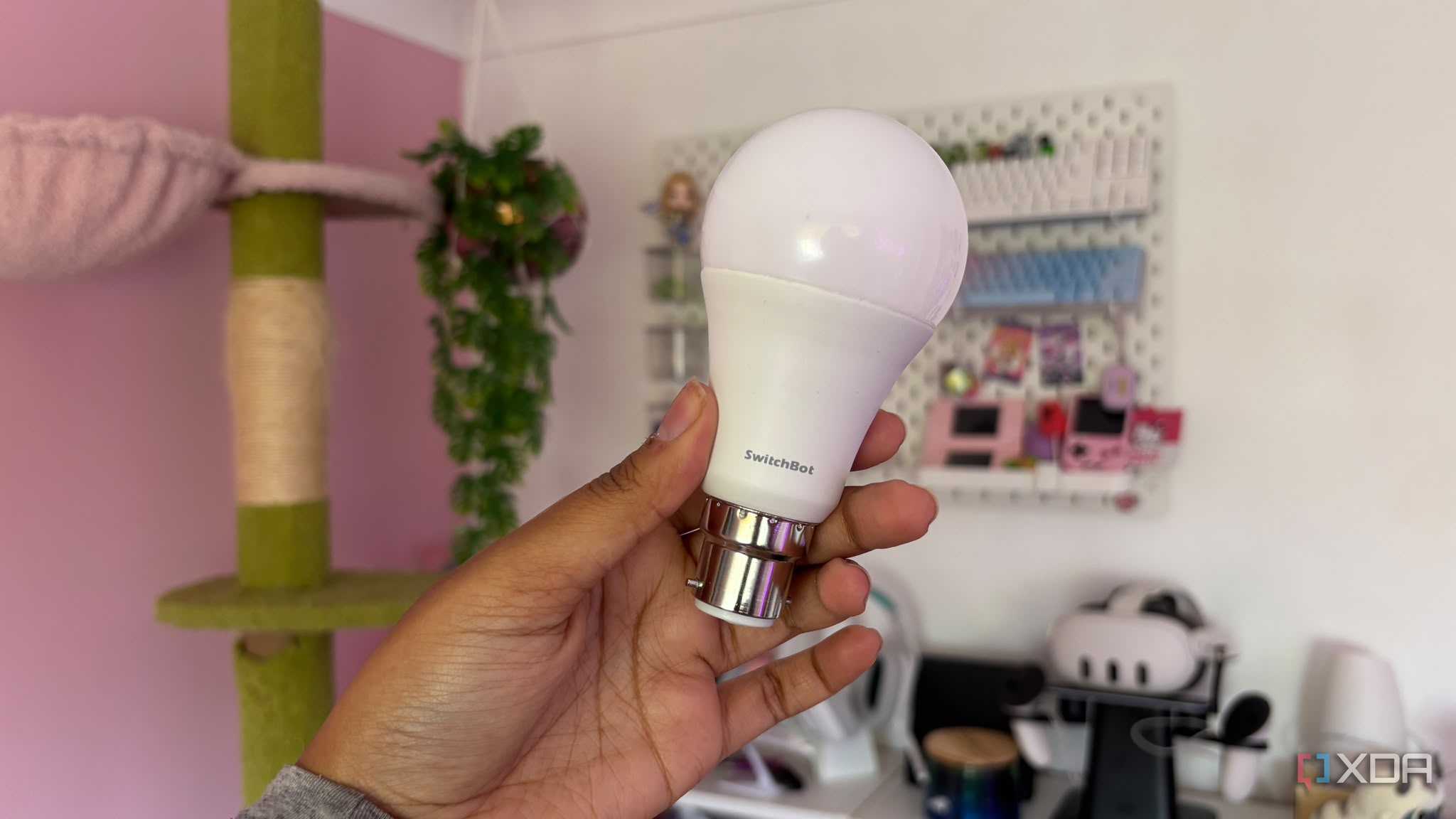

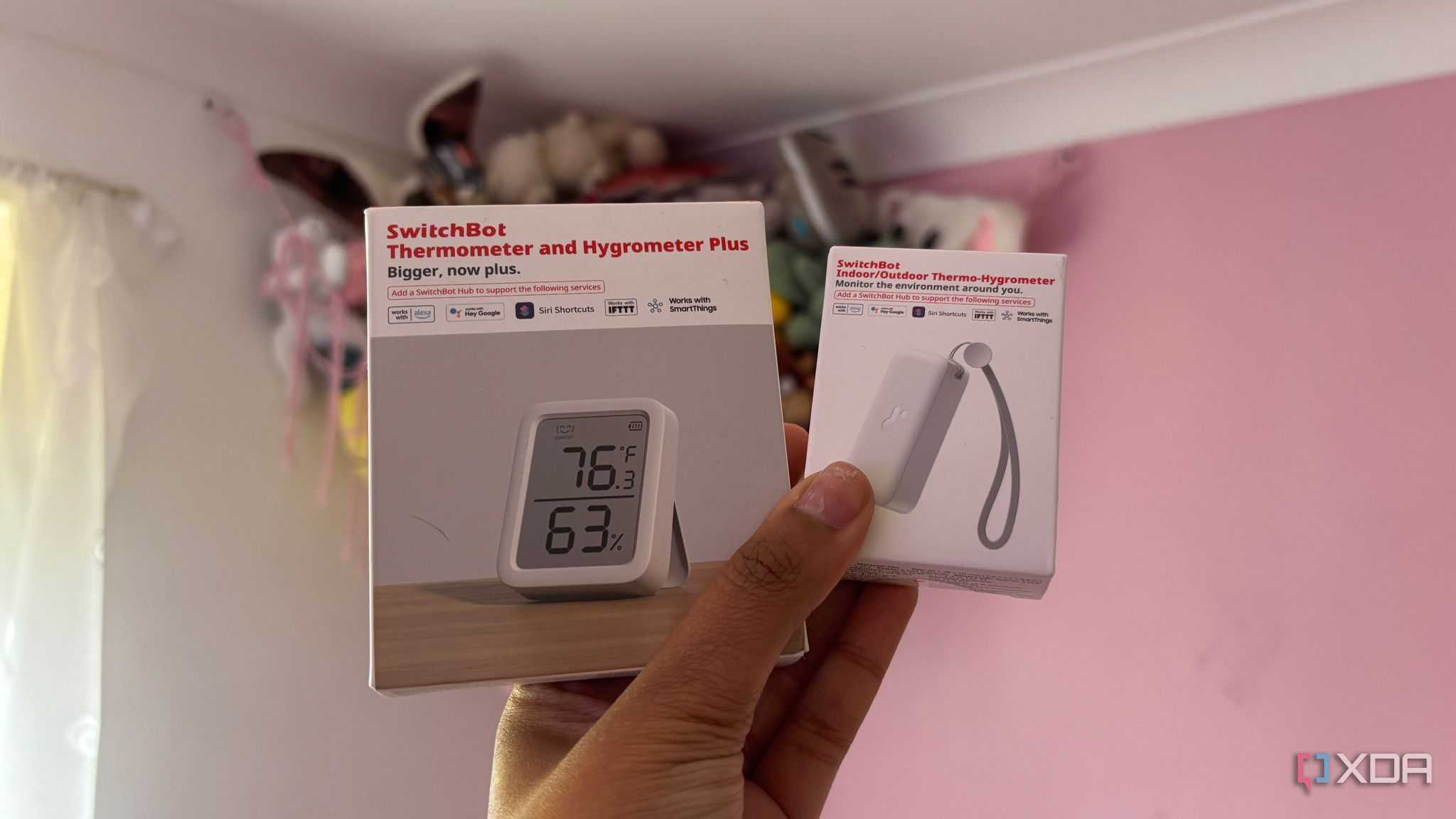




IoT devices absolutely love to phone home. Smart devices are inherently chatty and that means they pose security risks because of their cloud-dependent business model. Most consumer smart devices are engineered to route commands through third-party servers (whether that's to your AWS or to your back-end apps) rather than operating locally. So many IoT devices constantly beacon out to foreign telemetry endpoints.
Each time an IoT device sends a ping out to a third-party cloud server, this puts your home at risk. It can be that hackers intercept the data being sent and therefore have access to information about your home or sometimes hackers can actually access your home network through your smart devices.
If a budget smart plug or IP camera running outdated firmware becomes compromised, a flat local network allows threat actors to pivot internally. This means that they can scan your NAS, desktop PCs, and sensitive shares with ease. Anything that's on the same flat local network is vulnerable.
How you can set up a VLAN to solve the issue
Ensure you adjust your firewall rules too

The solution to the problem for me was to set up a VLAN and tweak my firewall settings. This allowed me to segregate and restrict a lot of my IoT devices and create an airtight boundary for my smart devices.
An isolated IoT VLAN felt absolutely fundamental to me. In order to set it all up I first logged into my router settings and then created the IoT VLAN, assigning a dedicated 2.4 GHz Wi-Fi network. Setting up a dedicated VLAN tag on your router or managed switch, paired with a dedicated SSID broadcasting strictly on the 2.4 GHz band, was the solution for me.
Once I had this all set up I migrated over all of my smart devices. I moved countless Wi-Fi bulbs, plugs, and cameras over to the new IoT SSID. It really made me realize just how many smart home devices I actually have on my network. I then assigned static DHCP leases for easier management.
Then I decided to adjust my firewall rules. I created rules allowing established/related traffic from my main network to IoT, allowing IoT to talk strictly to my Home Assistant server IP, and dropping all other outbound WAN traffic from the IoT subnet.
Writing these stateful firewall rules allows the IoT VLAN to talk to your local home assistant server so that local automations still function smoothly, but strictly blocks all WAN access (essentially internet access) and prevents the IoT network from initiating traffic back into your trusted primary network. If any of your smart devices are limited in functionality when they're not connected to the internet, this obviously won't work for them.
Some of your devices might not work without the cloud
But really, that's just a sign they should be replaced

You can see how much of a difference this makes by auditing your firewall logs. You'll see so many blocked connection attempts your smart devices make daily, confirming that your privacy lockdown is working. Depending on what devices you have as part of your smart home, some of them will react differently when you cut that cloud cord.
A lot of rebellious devices will create a dilemma. Some of those cheaper devices will brick or refuse to function if they can't ping an external NTP server or check in with their cloud mothership. Rather than allowing these devices onto your main flat local network, you're better off identifying which ones need local-only alternatives. Sometimes you can flash them with local firmware flashes like ESPHome/Tasmota but this isn't always the case.
Ensuring that your local smart home hub bridges the VLAN divide cleanly will allow local API control without exposing your broader network infrastructure. This will allow you to completely preserve your Home Assistant integration and any other automations that you have.
This single change can make a major difference to your security
You shouldn't have to worry every time your devices phone home
Building a smart home doesn't mean giving up your right to privacy. Implementing a single VLAN setting and blocking outbound traffic transforms your network from an open sieve into a secure private fortress. Stop letting budget smart gadgets phone home behind your back. Set up an isolated IoT VLAN today. Lock down your firewall and keep your smart home smart and private.